



Retail & ecommerce
Announce a collection to interested customers, answer product questions and collect order requirements. Keep campaign responses connected to the customer’s record.
Send targeted campaigns, answer customers with AI and track which ads bring sales. Querygen also works on the number your team already uses, turning their receipts, payment slips and voice notes into records.
WhatsApp Business Platform · Tech Provider · Embedded Signup
Shared Instagram post · Product questions answeredIllustrative WhatsApp screen · Example messages
The customer experience
See what your customer sees.
Querygen handles the replies and captures the details.
01Customer receives your campaign

Product questions.
Answered in the chat.
02Querygen qualifies the enquiry
Illustrative WhatsApp screens · Fictional businesses and sample messages · Stock photography
Used by The Wrapping Store across five Instagram accounts and one WhatsApp account.
Read their storyPromote products to opted-in customers with approved templates that carry product images and buttons. Pick the audience by interests, lead stage or past events, schedule the send, and track delivery, reads and replies.
Explore WhatsApp campaignsRetail · Limited-time offer sent to opted-in shoppers
Illustrative promotional campaign
Answer product questions from your catalog, FAQs and documents, even when a customer shares an Instagram post link. Querygen collects requirements, qualifies the lead and saves the details to the customer's record.
See AI Agent in actionTravel agency · Package FAQs and trip requirements
Illustrative conversation
Chats that start from a Click-to-WhatsApp ad keep the ad they came from. The AI replies and qualifies them, and the Ads report shows leads, sales and revenue for each ad.
How ad lead tracking worksClick-to-WhatsApp ads
| Ad | Leads | Sales | Revenue |
|---|---|---|---|
| Summer sale reel | 142 | 31 | $4,180 |
| Linen carousel | 88 | 12 | $1,560 |
| New arrivals story | 41 | 3 | $390 |
Your team already sends receipts, payment slips, delivery challans and voice notes on WhatsApp. Querygen pulls out the amount, vendor, date or item from each one and adds a row to your sheet or system. It works on the number and groups your team already uses.
See operations use casesSite team · 12 members
Mike
FEDEX OFFICE
10/12/26 09:02
SHIPPING $24.00
TOTAL $24.00
9:14 am
Dana
FIRST NATIONAL
Transfer receipt
Paid to Acme Supplies
Reference INV-4471
Amount $1,250.00
11:40 am
Luis
“delivered 40 boxes to main st, client signed”
4:05 pm
Site log
| From | Type | Detail | Amount |
|---|---|---|---|
| Mike | Receipt | FedEx Office, shipping | $24.00 |
| Dana | Payment | Acme Supplies, INV-4471 | $1,250.00 |
| Luis | Delivery | 40 boxes, Main St, signed |
Escalate custom quotes, complex support requests and anything that needs a person. Your team sees the conversation and the details already collected, then replies directly to the customer.

Human handoff
Illustrative workflowOrder support · Damaged delivery
My order arrived with a broken handle. Order number MK-1024.
Assigned to customer support
Lisa: I can see your order number and the damage report. Could you send a photo so I can review the replacement request?
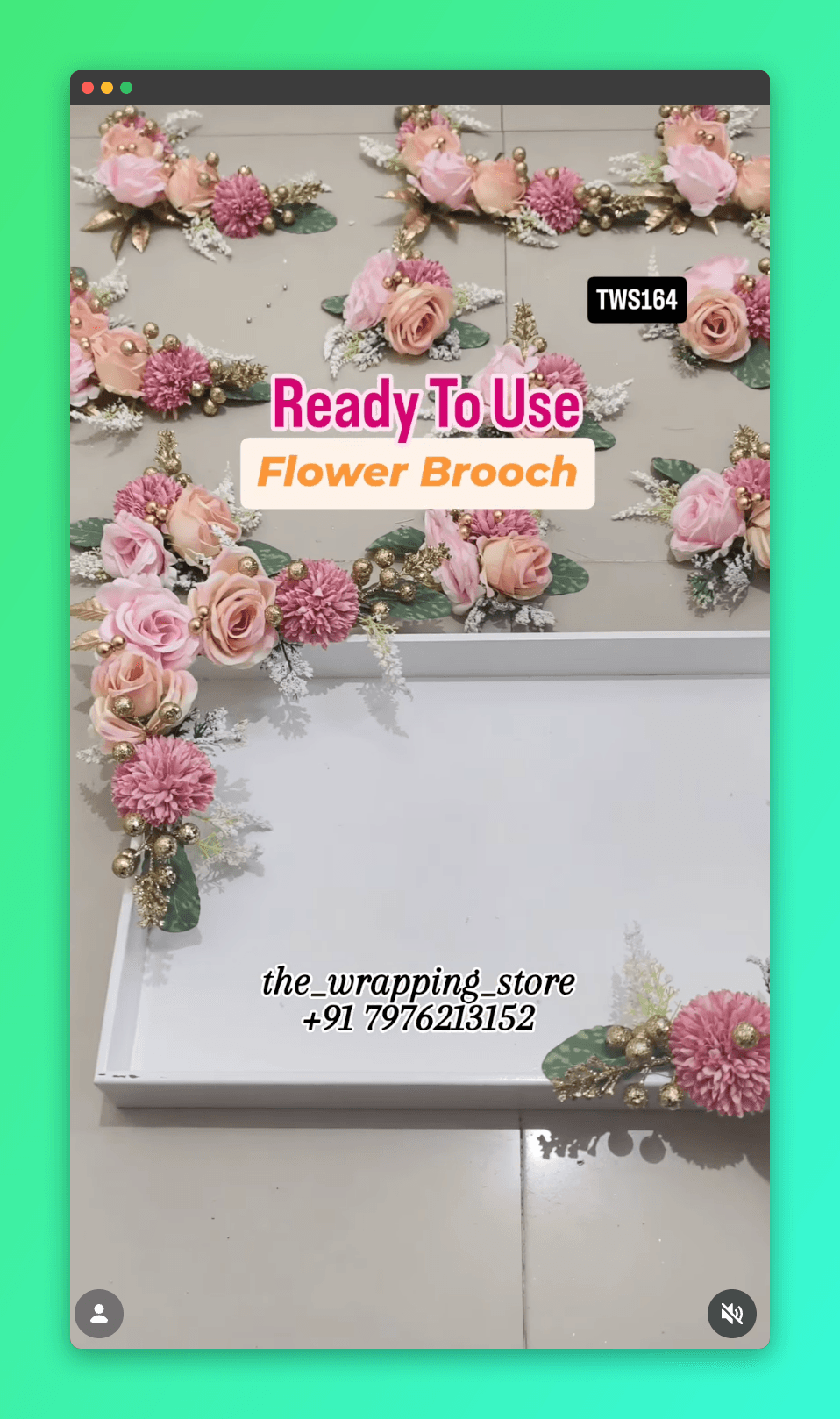
The Wrapping Store · Customer story
“Querygen handles both our Instagram accounts and WhatsApp, from the first reply to lead tracking and invoices. We serve more buyers without adding more people.”
Shreya Bhandari · Owner, The Wrapping Store
See the complete workflow1,160
Instagram comment-to-DM replies
Main account campaign · since Aug 18
202
Responses to price follow-ups
From 1,035 messages · since Jul 24
2,683
Leads tracked
Across enquiry, sales and order stages
Customer snapshot: September 5, 2026. These are activity counts, not a guarantee of results.
Announce a collection to interested customers, answer product questions and collect order requirements. Keep campaign responses connected to the customer’s record.

Explain your offering, qualify the enquiry and pass the relevant details to your team. Follow up on the next action rather than starting the conversation over.
Use saved customer details for repeat enquiries. Collect quantities, delivery requirements and custom requests, then hand the quote request to your sales team.
The official Cloud API, connected through Meta's Embedded Signup. Use it for campaigns, approved templates and Click-to-WhatsApp ads.
Linked from Linked Devices on your phone, the same way you'd open WhatsApp Web. Your team keeps chatting as before.
Connect WhatsApp, add your catalog and FAQs, then configure automated replies, lead capture and escalation rules. Test sample enquiries before enabling automation.
WhatsApp Business Platform · Tech Provider · Embedded Signup
Use Embedded Signup to connect your WhatsApp Business Account and grant access. Querygen is a Tech Provider using the WhatsApp Cloud API.
Add product information and FAQs. Configure conversation instructions, customer fields and handoff rules. Prepare and submit any message templates your campaigns need.
Check answers, capture and handoff with sample enquiries. Build an opted-in audience, confirm template status and account readiness, then launch your campaign.
Yes. This integration uses the WhatsApp Business Platform through the WhatsApp Cloud API. Querygen is a Tech Provider, and onboarding uses Meta’s Embedded Signup with customer-granted access.
Yes. You can link it from Linked Devices on your phone, like WhatsApp Web. This suits team groups and the photos and voice notes staff send. Campaigns to customers who haven’t messaged you need the WhatsApp Business Platform and approved templates.
No. Querygen’s Tech Provider status and app permissions are not a Meta Verified subscription or an account verification badge for your business. We do not promise a badge as part of connecting to Querygen.
No. You need the appropriate customer opt-in and an approved message template. Sending and delivery remain subject to WhatsApp’s policies, quality controls and account limits. An imported contact list does not by itself establish permission to message those customers.
With an automation configured, Querygen can answer from your knowledge base, collect requirements, update customer details and bring in your team. You control the instructions and workflow; a campaign does not have to end at message delivery.
Approved templates are required for business-initiated messages outside WhatsApp’s customer service window. Within the applicable window after a customer messages you, free-form replies can be used under WhatsApp’s rules. Your workflow must respect those requirements.
Yes. Querygen supports campaign scheduling and message delivery, read and reply tracking. Read status depends on the signals WhatsApp makes available; delivery is not a guarantee that a customer read or acted on a message.
It needs your business knowledge. Add catalog items, FAQs or documents, and keep the information current. Instagram imports bring in media metadata; product fields such as price and availability need to be supplied. The knowledge base is not automatically a live inventory system.
Yes. Your team can take over conversations, and you can configure escalation instructions for enquiries that need a person. The conversation and collected customer details provide context for that handoff.
No. WhatsApp can work on its own. Connect Instagram if you also want to handle comments and DMs or import your posts as knowledge. A saved Instagram permalink can help identify a product shared in a WhatsApp conversation.
Querygen’s plans and usage credits are described on the pricing page. WhatsApp Business Platform messaging charges are separate where applicable. Review both before planning campaign volume; this is not an unlimited-messaging offer.
Set up automated replies, capture leads and manage follow-ups using your catalog and customer data.
Start 7-day trial